Stop Downloading Docs
How DocPreview is changing the way we read documents online - no more clutter in your Downloads folder.
Stop Downloading Docs
Have you ever found yourself looking for a specific piece of information in a PDF or a Word document online, only to realize your "Downloads" folder is now a graveyard of 50 files named "document_final_v2.pdf"?
We've all been there. You click a link to quickly check a price list, a research abstract, or a meeting agenda, and instead of just seeing the content, your browser forces a download. You then have to find the file, open it in another app, and eventually delete it later to save space.
That's exactly why I built DocPreview.
Why I Developed DocPreview
The inspiration for DocPreview came from a simple frustration: The web is instant, but document viewing is stuck in the past.
Most modern browsers are incredible at rendering websites, yet they still struggle to show us a .docx or an .xlsx file without making us "own" file first. I wanted to create a bridge—a way to "peek" into a file as easily as we peek at a website.
I set out to build a tool that focused on three things:
Speed: No waiting for downloads or external apps to trigger.
Privacy: Your data shouldn't have to travel to a random third-party server just to be rendered. DocPreview uses secure, built-in browser technologies to keep your files local.
Organization: Keeping your device clutter-free by eliminating "one-time-use" downloads.
Who is DocPreview For?
I designed this extension for anyone who spends a significant portion of their day navigating to "Document Web." Specifically:
The Research Student: When you're scanning 20 academic papers to find one specific citation, downloading all 20 is a nightmare. DocPreview lets you scroll through the content instantly in a side panel.
The Busy Professional: If you receive dozens of attachments or links to reports, proposals, and spreadsheets, you can now preview them right next to your email or workflow without breaking your concentration.
The Tab Collector: If your browser is already heavy with open tabs, DocPreview's side panel integration allows you to view documents without adding more tab clutter.
The Security-Conscious User: Downloading files from the internet always carries a small risk. By previewing files in a view-only mode within your browser, you add a layer of separation between the web and your hard drive.
How It Works
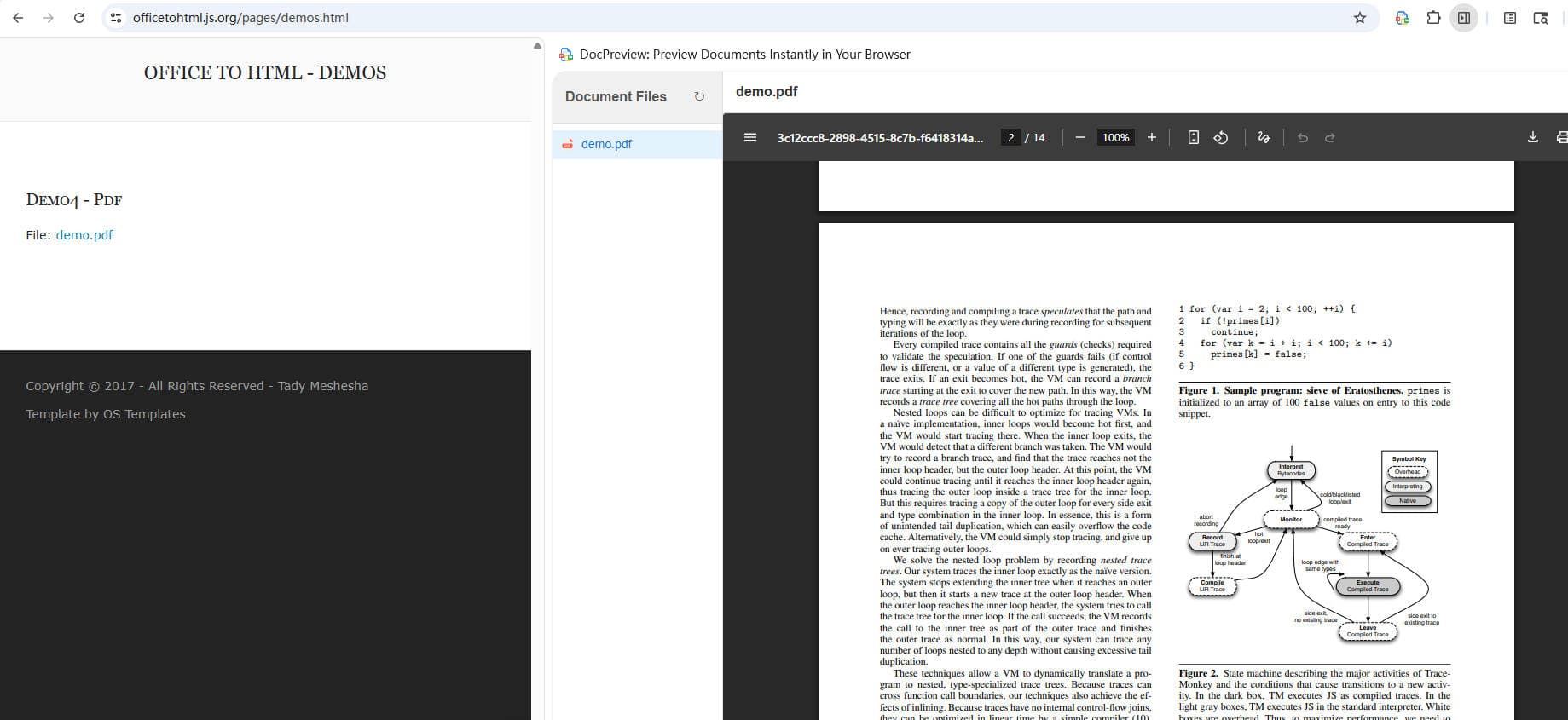
It's simple. Once installed, DocPreview detects document links on the page you're visiting.
No extra software. No "Open with..." prompts. Just the information you need, when you need it.
Ready to Clean Up Your Downloads Folder?
DocPreview is now available in the Chrome Web Store. It's lightweight, free, and designed to make your browsing experience just a little bit smoother.
Get Started with DocPreview
Install extension today and start previewing documents instantly in your browser.