How to Use DocPreview
A complete guide to previewing documents directly in your browser
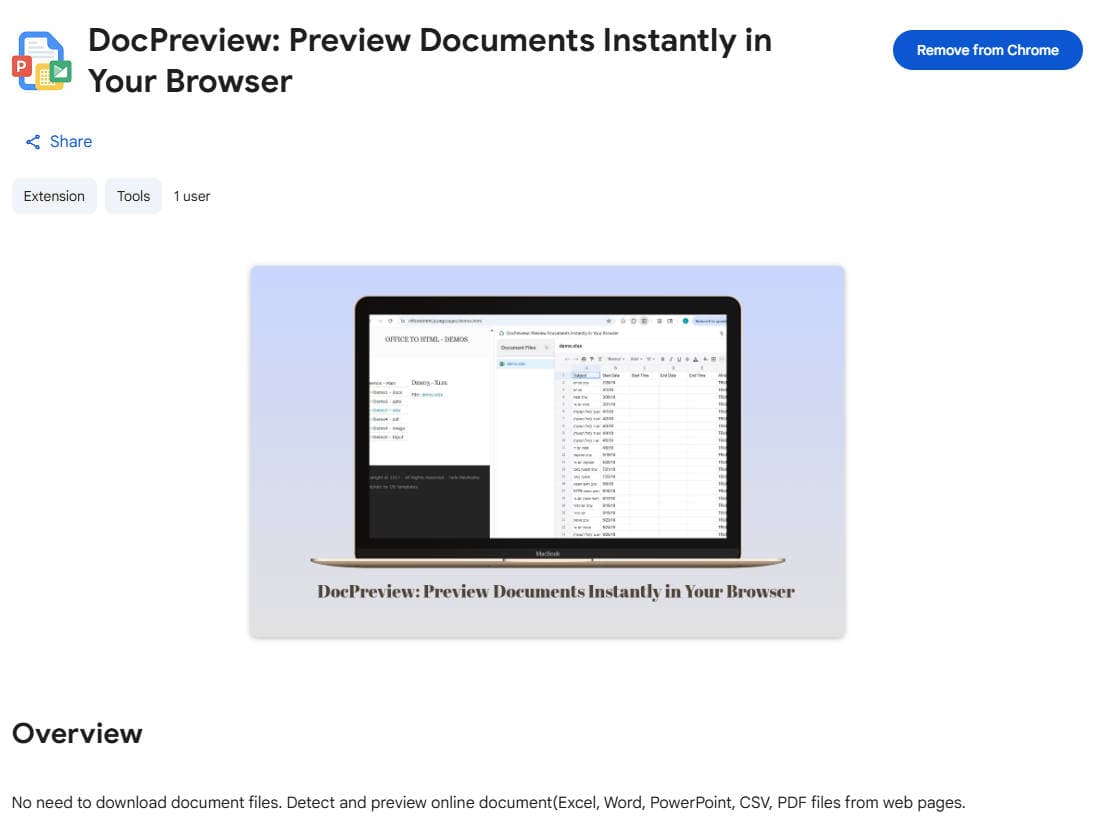
Install DocPreview ExtensionStep 1: Install the Extension
First, install the DocPreview extension from the Chrome Web Store:
DocPreview ExtensionClick "Add to Chrome" and follow the prompts to complete the installation.
Step 2: Pin the Extension
After installation, pin the DocPreview extension to your browser toolbar for easy access:
- Click the puzzle piece icon in your browser toolbar
- Find "DocPreview" in the list of extensions
- Click the pin icon next to DocPreview
- The DocPreview icon will now appear in your toolbar
Step 3: Detect Document Links
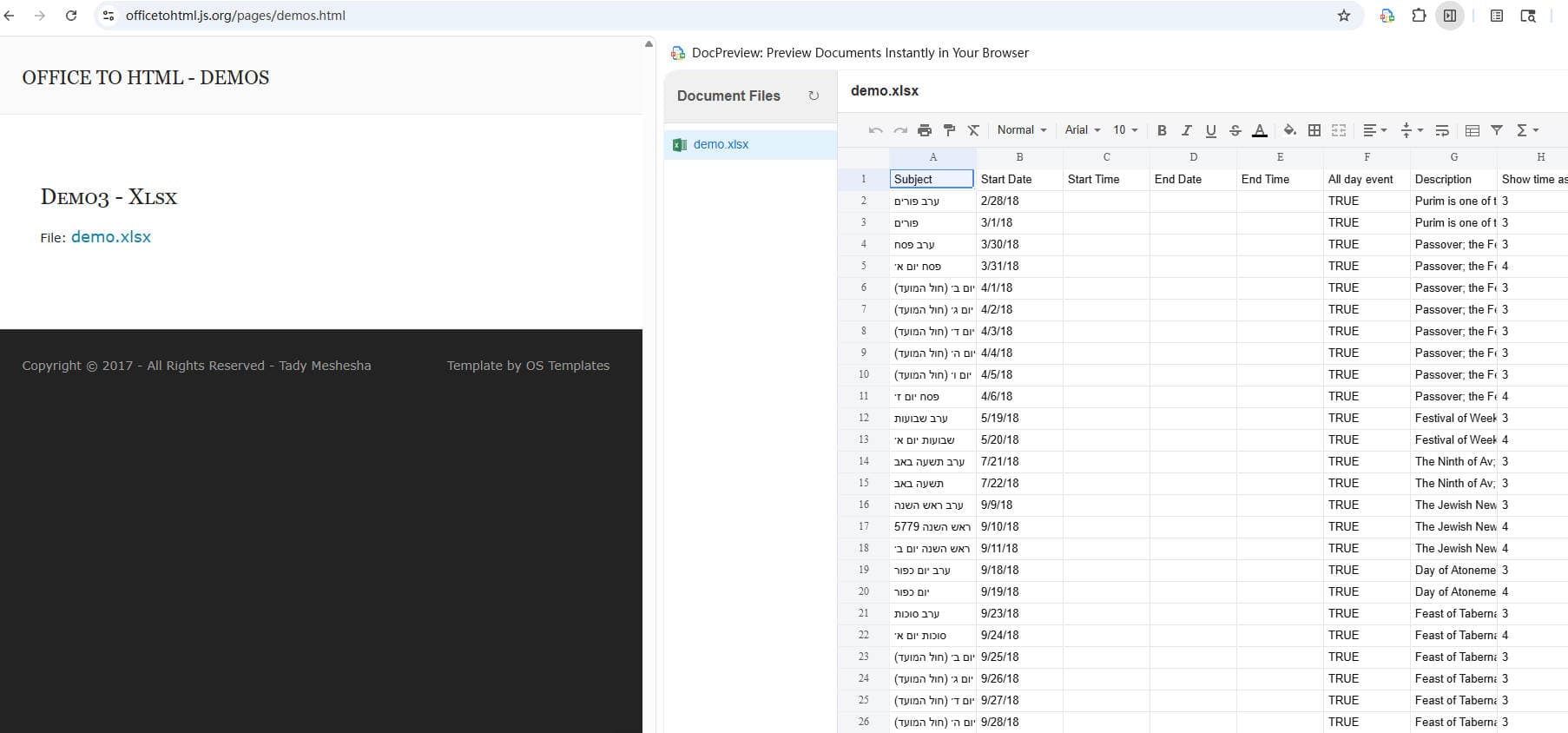
DocPreview automatically detects document links on web pages you visit or click "Refresh" button:
- Supported formats: PDF, DOCX, XLSX, PPTX, CSV, and more
- The document will be displayed in Document Files.
Step 4: Preview Documents
Click on any detected document link in "Document Files":
- Click the docoment name in "Document Files".
- Preview the document content in the right window.
Supported Document Formats
📄
📝
DOCX
📊
XLSX
📈
PPTX
📋
CSV
Tips
- •Contact us if your page does not find a document file.
Ready to Boost Your Productivity?
Install DocPreview now and start previewing documents instantly